Extrude (boss & cut)
Push a sketch profile straight out into a solid (boss) — or straight through one (cut). The workhorse feature.
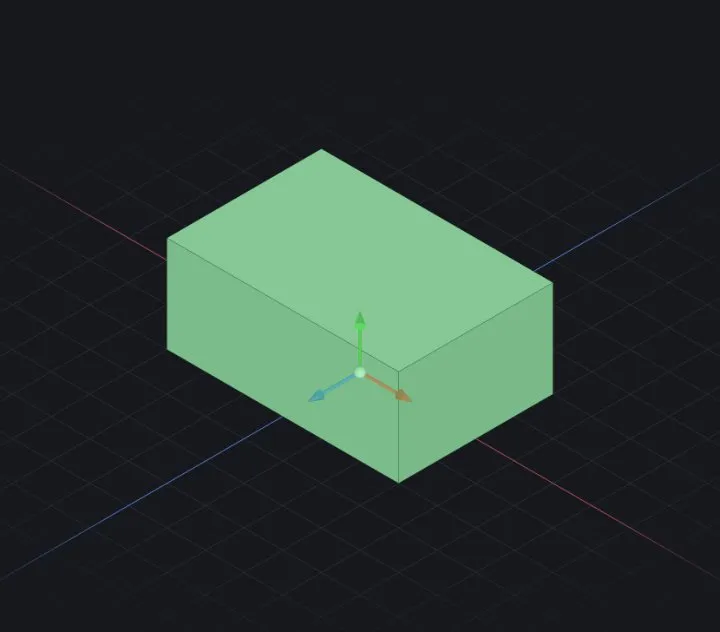
Extrude pushes a closed sketch profile along the plane normal into a solid. Cut is the same motion removing material. Between them they build most real-world parts.
Steps
- Draw a closed profile (Sketching basics).
- Start Extrude (Solid tab) — the most recent sketch is picked up automatically, with a live preview.
- Set the distance, flip the direction if needed, choose Boss vs Cut.
- ✔ OK commits; the feature appears in the tree.
End conditions
- Blind — a distance in mm (the default).
- Through All — for cuts: all the way through every body, no number to maintain.
- Up to Next / Up to Surface — stop where material actually is; the cut follows later edits.
Options
- Draft — taper the walls by an angle as they rise (mould release).
- Thin — extrude the outline as walls of a set thickness instead of filling the profile.
- Merge result — ON by default: a boss touching an existing body fuses with it. Turn it off to keep a separate body for patterns or booleans.
When it fails
- Profile is open — close the loop (watch for tiny gaps at line ends; drag endpoints together so they snap coincident).
- A cut reports it removed nothing — the tool genuinely missed the body. Check the direction flip and the sketch position; hammer8 refuses to silently "complete" a no-op cut.
Related: Your first part (sketch → extrude) · Revolve, Sweep & Loft · Fillet & chamfer