Revolve, Sweep & Loft
The three curved siblings of Extrude — spin a profile, run it along a path, or blend between sections.
When a shape isn't a straight push, one of these three usually is it:
- Revolve — a profile + an axis → shafts, wheels, bottles
- Sweep — a profile + a path → pipes, handles, wires
- Loft — two or more sections → hulls, ducts, smooth blends
Revolve
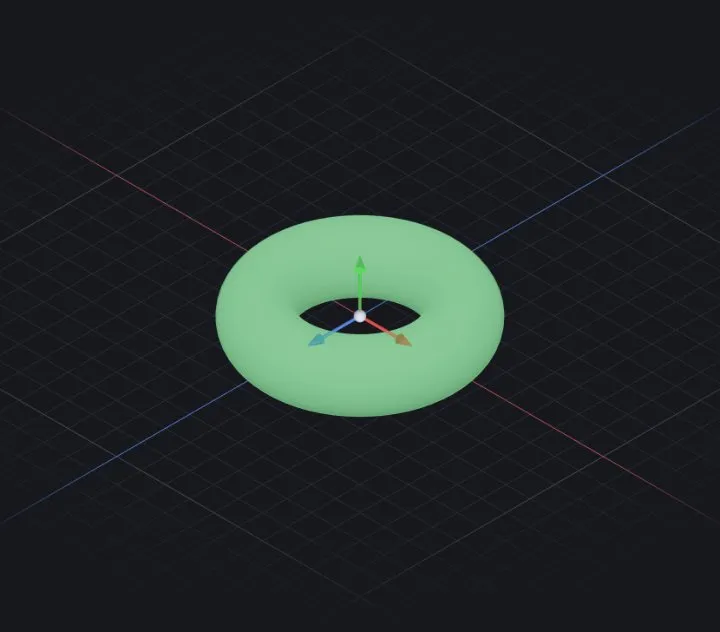
- Sketch the cross-section with the intended axis in the same plane; keep the profile entirely on one side of it.
- Start Revolve, pick the axis (a sketch line, or a base axis), set the angle — 360° for full, less for a segment, or Mid-plane to straddle.
- Like extrude it has Boss / Cut / Thin variants.
Fails? — the profile crosses the axis (a self-intersecting ring). Move it to one side.
Sweep
- Sketch the profile on one plane and the path in a second sketch.
- Start Sweep, pick both. The profile follows the path, staying perpendicular to it by default.
- Options: twist along the way, guide curves to steer the outline, or the pipe shortcut (circle profile straight from a diameter — no profile sketch needed).
Fails? — a sharp path corner makes the profile self-intersect: add a bend radius to the path.
Loft
- Sketch each section on its own plane — create offset planes first (
Features ▸ Plane). - Start Loft and pick the sections in order.
- Options: thin lofts, and a point cap — end a loft at a sketch point to close a nose cone.
Fails / looks twisted? — the sections were picked in a zig-zag order, or their start points disagree; re-pick in sequence.
Related: Extrude (boss & cut) · Sketching basics · Surface modeling