Fillet & chamfer
Round (fillet) or bevel (chamfer) the edges of a solid with a radius or distance.
Round (Fillet) or bevel (Chamfer) the edges of a solid.
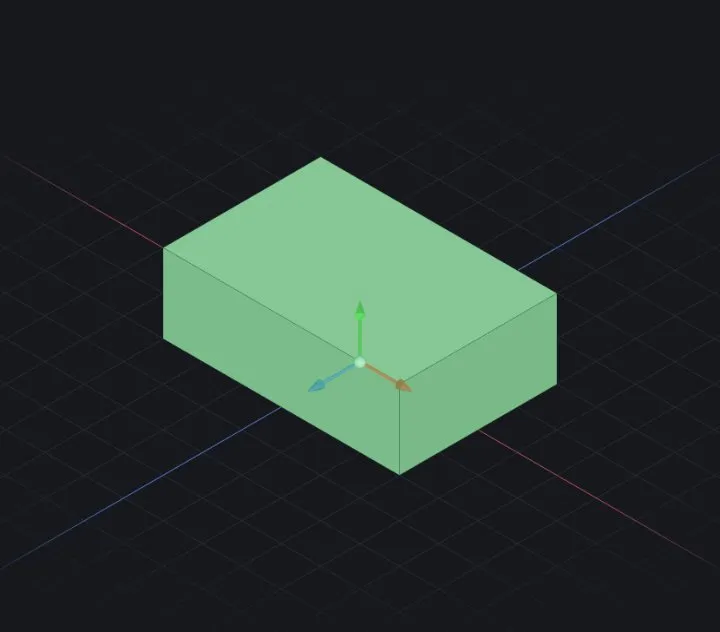
Steps
- Start Fillet (Solid tab) — or select edges first, then start it.
- Pick edges or faces. Picking a face rounds every boundary edge of that face.
- Set the radius (chamfer: the distance). The preview updates live as you drag or type.
- ✔ OK commits.
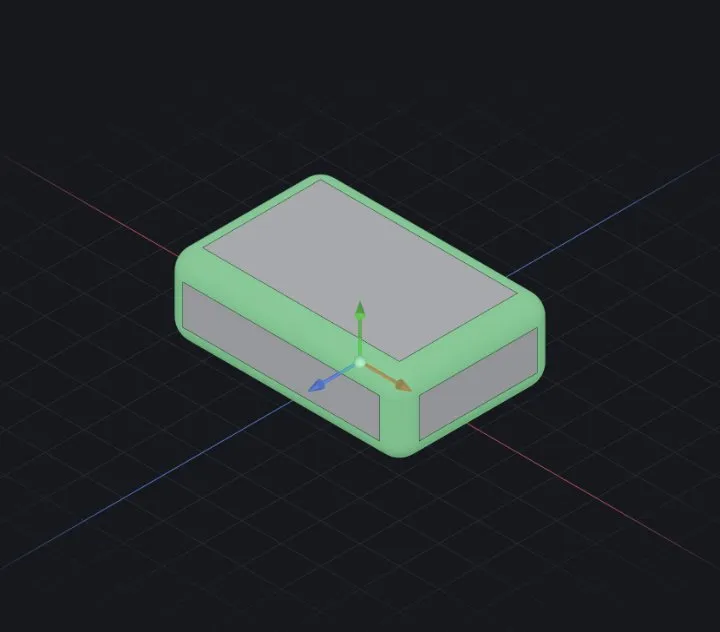
Options
- Edges / Faces — the selection set; mix freely.
- Radius — millimetres; too large for the geometry reports exactly which edges failed.
When it fails
- “radius too large for the geometry — reduce it” — the rounds would swallow a neighbouring face. Use a smaller value, or fillet fewer edges at once.
- Filleting all edges of a complex body often fails — prefer targeted subsets.
Related: Fix a rebuild error · Your first part (sketch → extrude)