Combine, Split & Intersect
Multibody surgery — fuse bodies, subtract one from another, keep only the overlap, or split one body into several.
These operate on whole bodies, which makes them the multibody workhorses. (To keep bodies separate in the first place, turn Merge result off when extruding — see Extrude (boss & cut).)
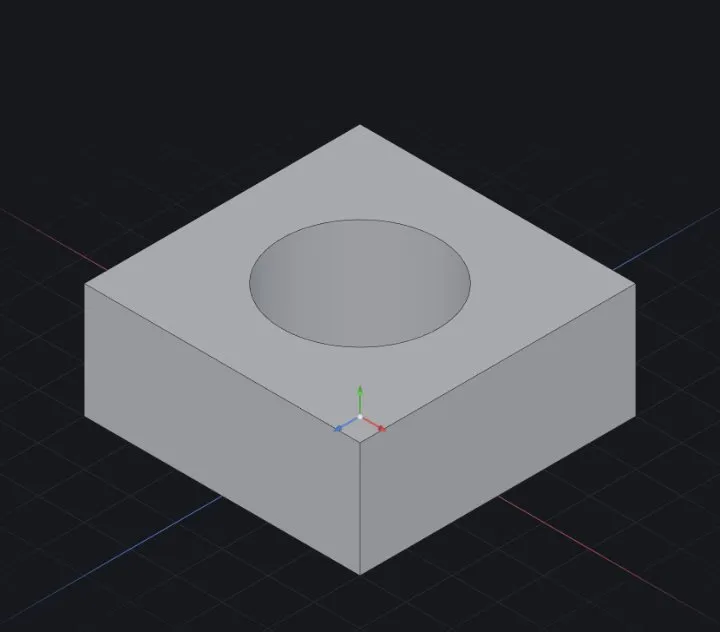
Combine
Two or more bodies →
- Add — fuse into one body.
- Subtract — remove the tool bodies from the main one (mould cavities: subtract the part from the mould block).
- Common — keep only the overlapping volume.
Split
One body → several: cut along a plane, a face or a surface, then choose which resulting bodies to keep. Typical uses: separating a two-piece housing, cutting a model at a parting surface (Surface modeling).
Intersect
The generalist: throw solids and surfaces in, and pick region-by-region what survives — useful when Combine/Split's one-rule-for-everything isn't enough.
Working multibody
- The Solid Bodies folder in the tree lists every body; hide/show them individually.
- Features can target a body (patterns take a body scope — Patterns & Mirror).
- Bodies only merge when you say so — a boss with Merge off stays a tool body you can subtract later.
When it fails
- Subtract reports nothing removed — the tool body doesn't actually overlap the target; check with Section View.
- Split keeps the wrong half — re-open the feature and toggle the kept bodies; nothing is lost, the pieces are all there.
Related: Extrude (boss & cut) · Direct editing (Move, Scale, Delete Face) · Surface modeling · Patterns & Mirror